
Make room for Kigern.
Get the Windows app and follow the installation steps on your computer.
View downloadsSales, stock, finances, and your team. Connected in one desktop workspace, with your records close at hand.
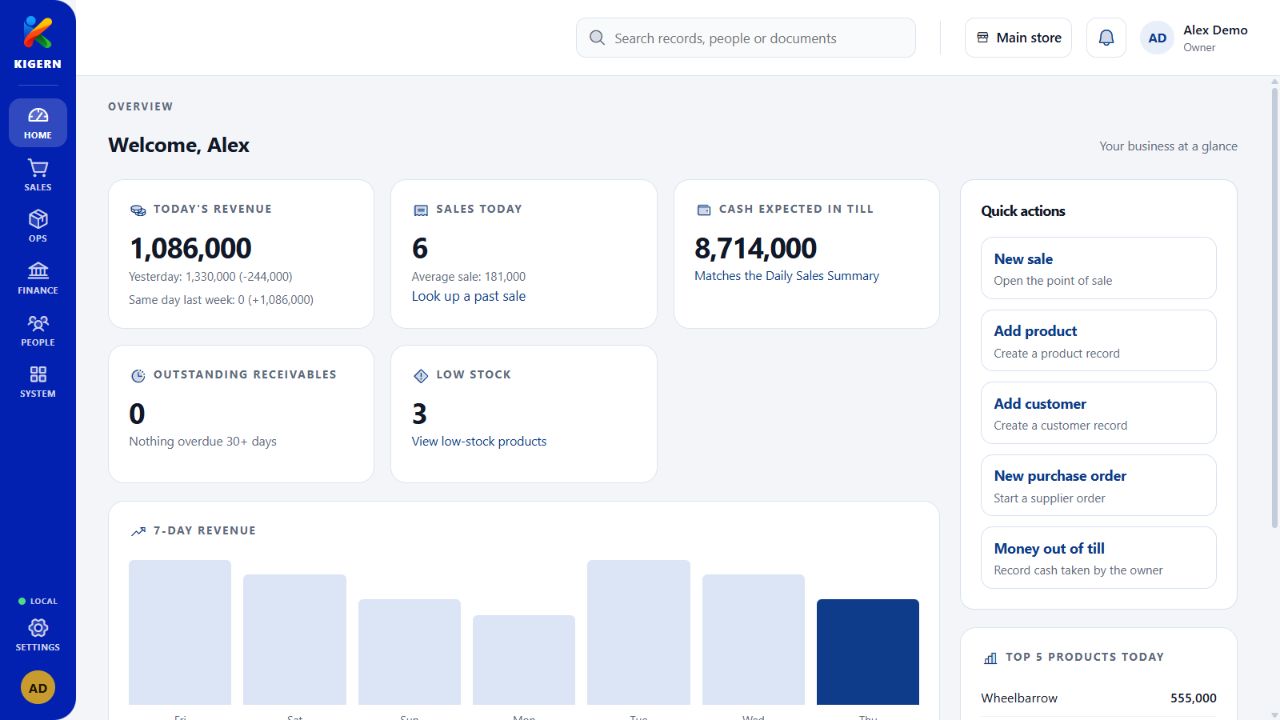
Four familiar parts of your business.
One workspace that brings them together.
Choose an area to take a closer look.
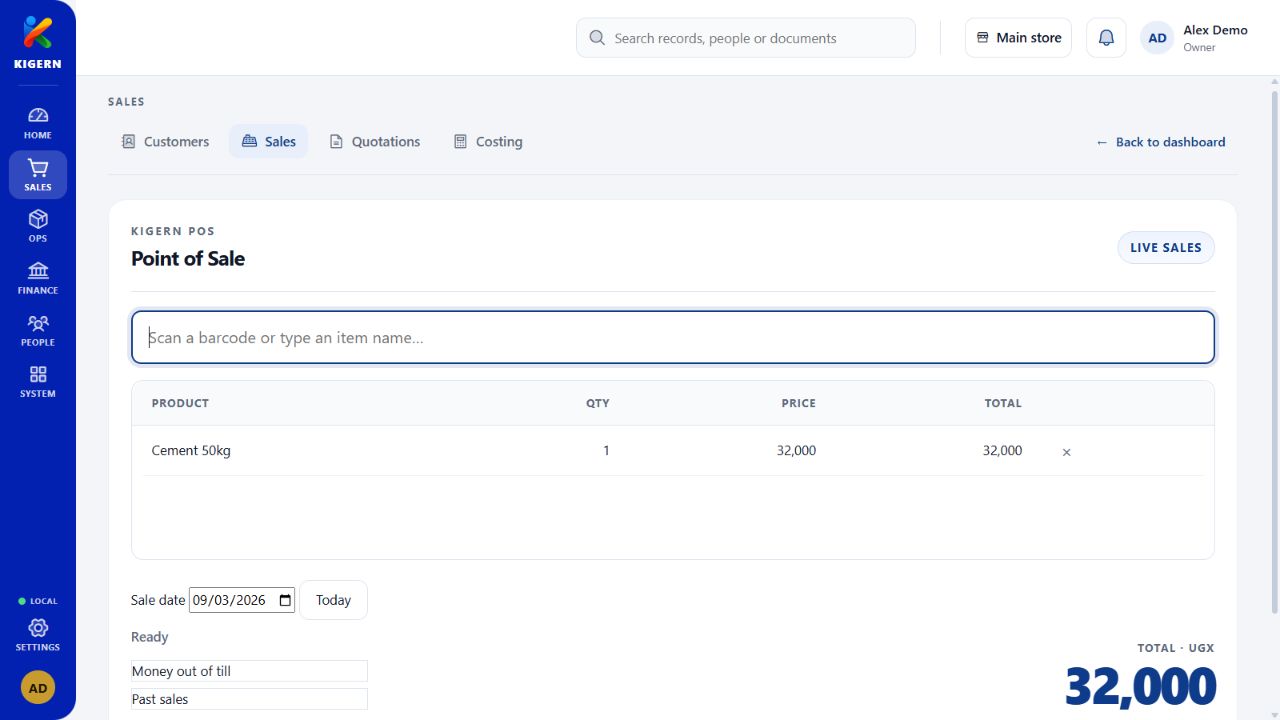
Serve customers at the counter, prepare invoices, and keep track of what has been paid. One place for every sale.
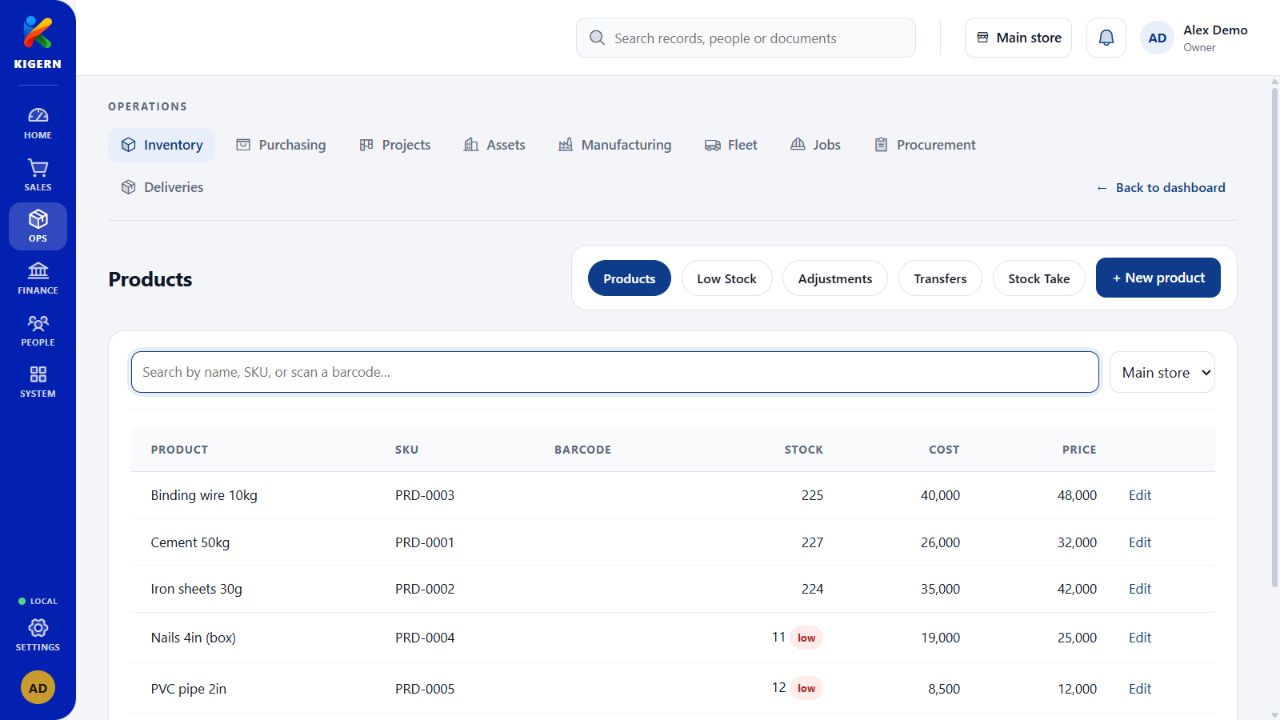
Keep everyday work close at hand.
Your daily records live on your computer. Kigern is built for the work that needs to keep moving, even when your connection doesn’t.
Keep day-to-day business records on your machine.
Give your team access that fits their roles.
Back up your records, then choose when to install.
Internet is needed for activation, licence checks, updates, and connected services.
You don’t need to learn everything at once.
Begin with one workflow. Build from there.
Get the Windows app and follow the installation steps on your computer.
View downloadsSet up your business, users, and the tools you need for the job at hand.
Explore the workspaceAdd your opening records and start working. Ask us when you need a hand.
Get setup helpKigern is a Windows desktop app. This website helps you explore it, find downloads, collect your licence, and get support.
Everyday business records are stored locally. Internet access is needed for activation, periodic licence verification, update checks, and any connected services you use.
Yes. Kigern organises its tools into business areas. Set up the relevant modules and user permissions, then add more as your workflow grows.
Tell us about your business and the computers you need through the licence page. For setup questions, send a support request and save its private tracking link to read our reply.
Ask about a licenceBring the pieces of your business together with Kigern.
Made for Windows. Built around your business.